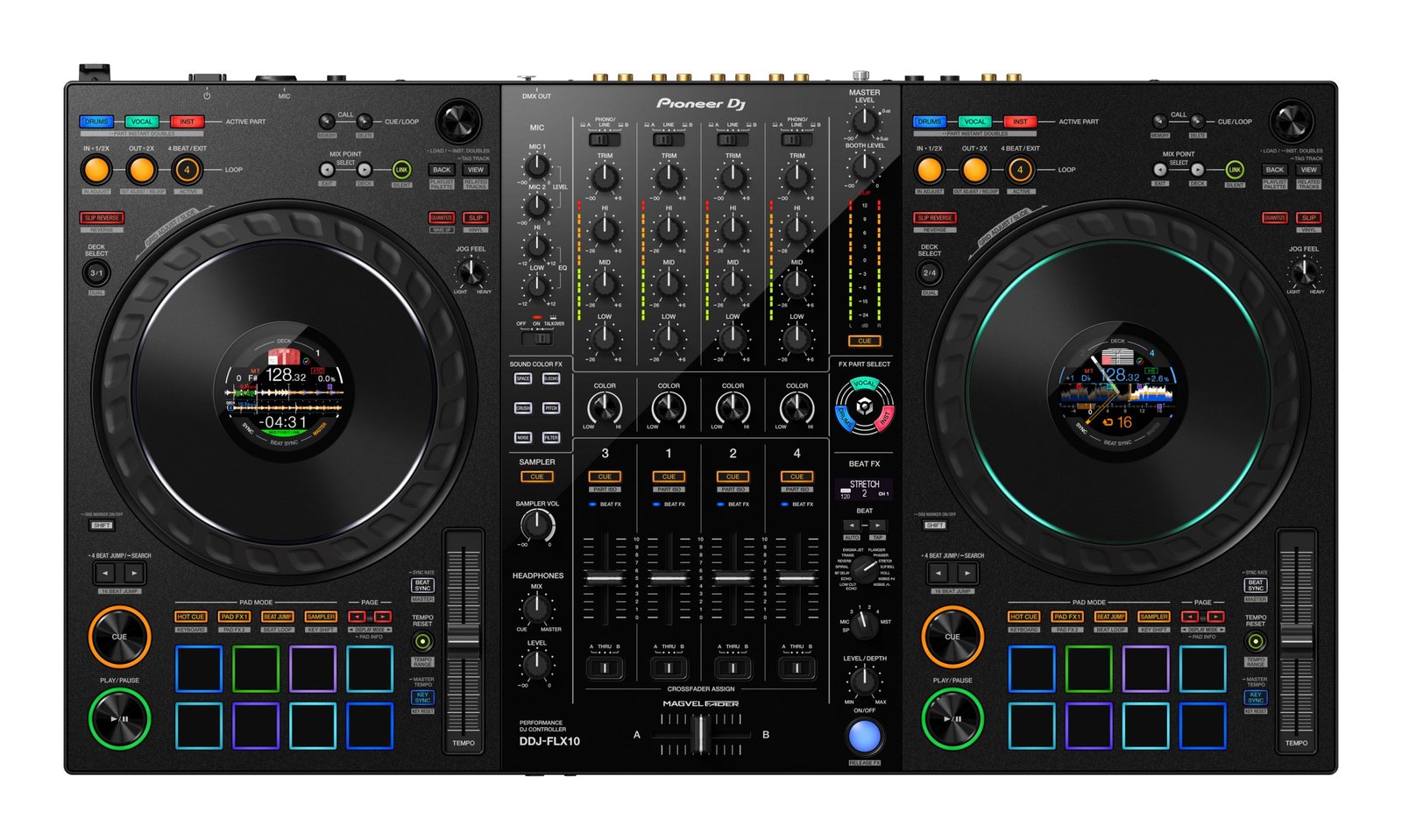
• Active Part and Part Iso
Individually adjust the volume for the vocals, drums, or inst to mix in new ways. You can also choose to mute any
combination of the 3 parts to make live mash-ups with other tracks.
• FX Part Select
Choose which parts of a track you want to apply effects to, and create your own remix live. For example, you
could add echo to the vocals but leave the other parts alone.
• Part Instant Doubles
Isolate a specific part of the track (vocal, drums, or inst) and transfer it to another deck so you can scratch it.
Â
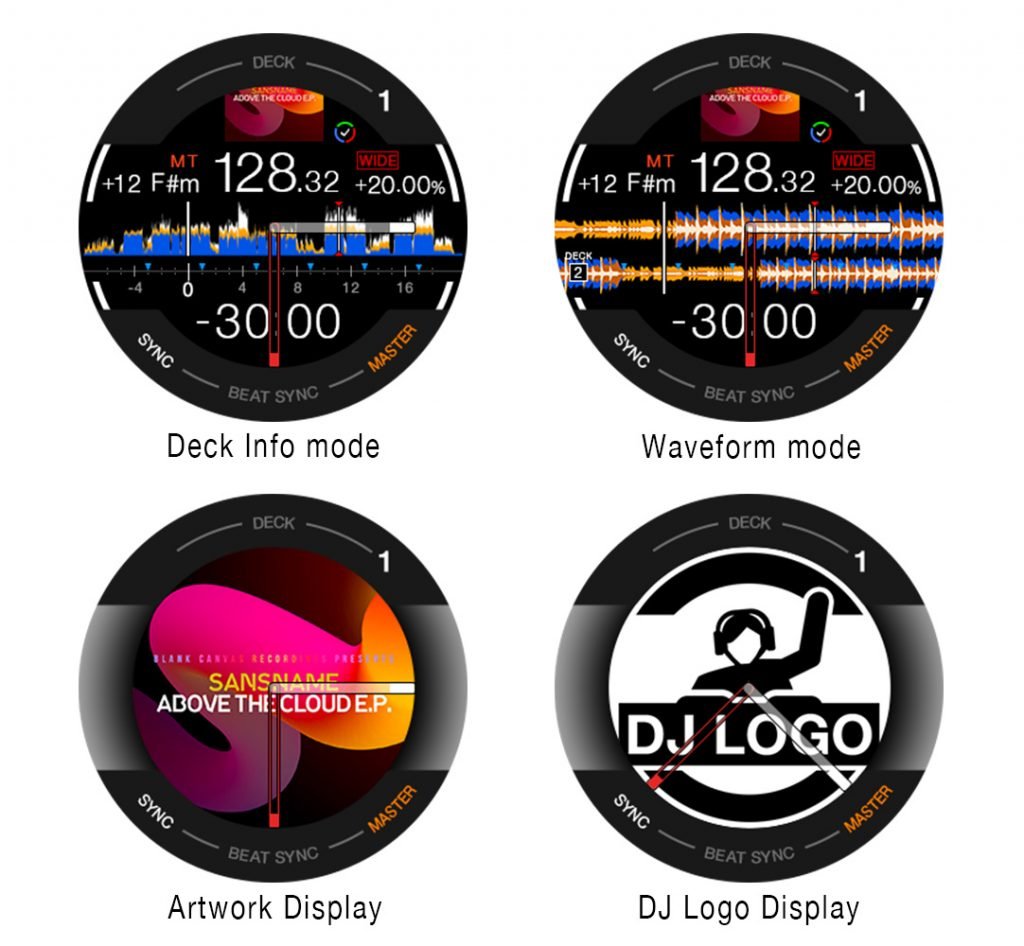
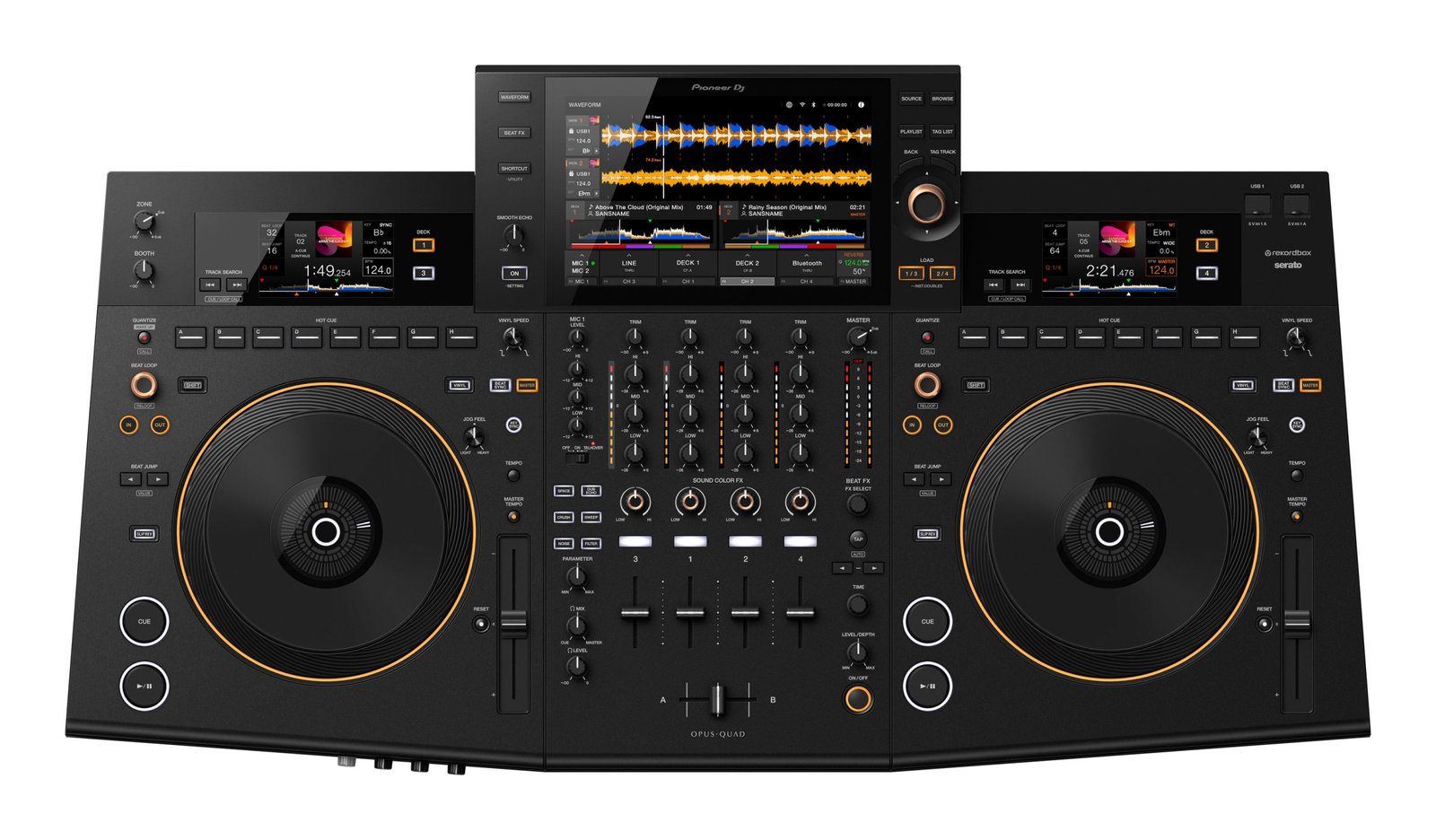
Customize the information you see on the jogs so there’s no need to take your eyes off the decks. Choose from 4 modes, some of which show 3 Band Waveforms (rekordbox only), and keep an eye on Mix Point Link and rekordbox vocal position analysis information, as well as Performance Pad status.
Take advantage of a completely new playback concept in rekordbox that enables you to create slick musical progression in your sets by linking mix points in tracks so the next song kicks in at the perfect moment. You might set the next track to start from the beginning of its melody when the vocal of the current song ends, ensuring a seamless transition without a sound clash. There’s no need to count down or press play manually, which also leaves your hands free to create mash-ups or add effects.
Lorem ipsum dolor sit amet, consectetur adipiscing elit. Ut elit tellus, luctus nec ullamcorper mattis, pulvinar dapibus leo.
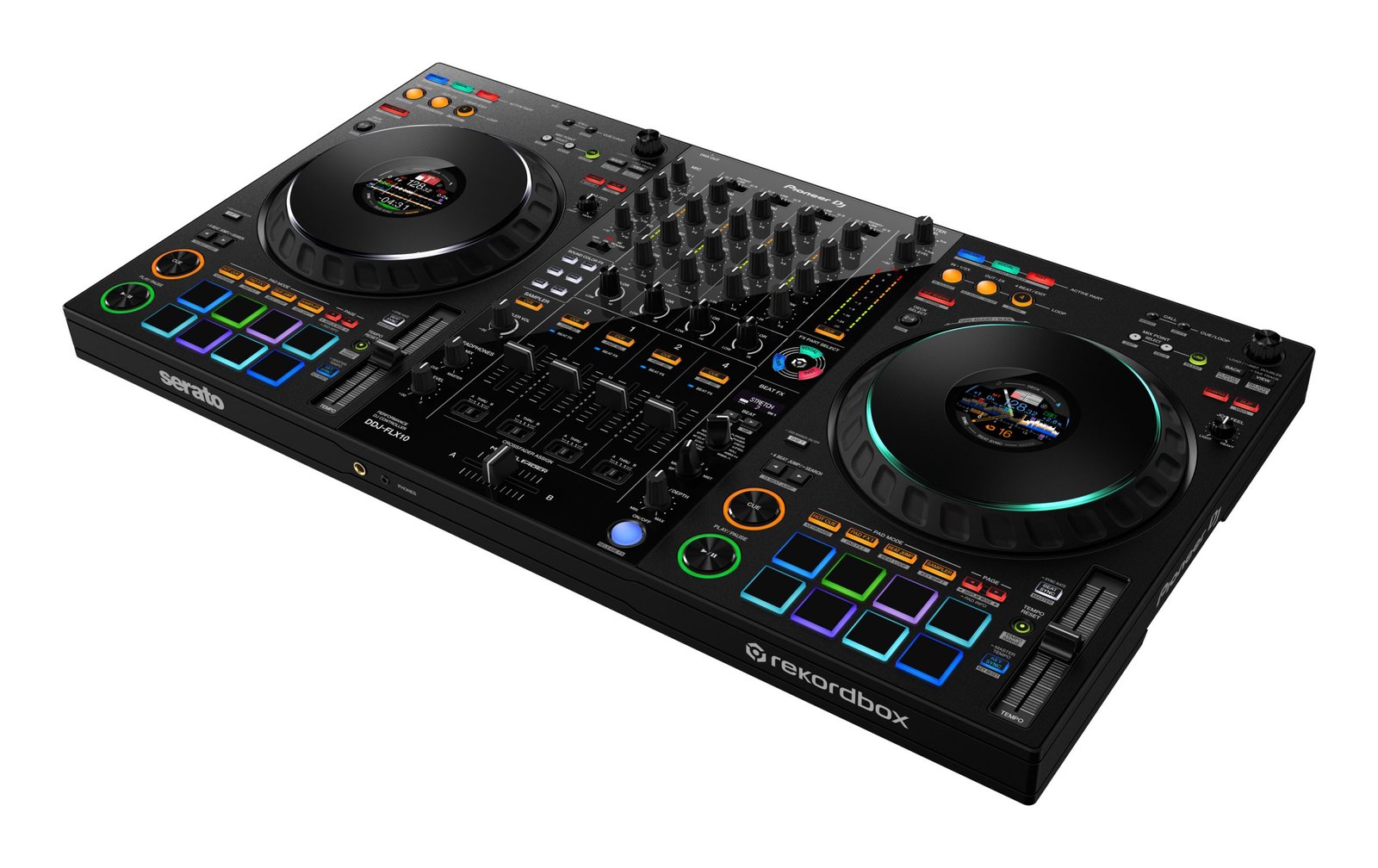
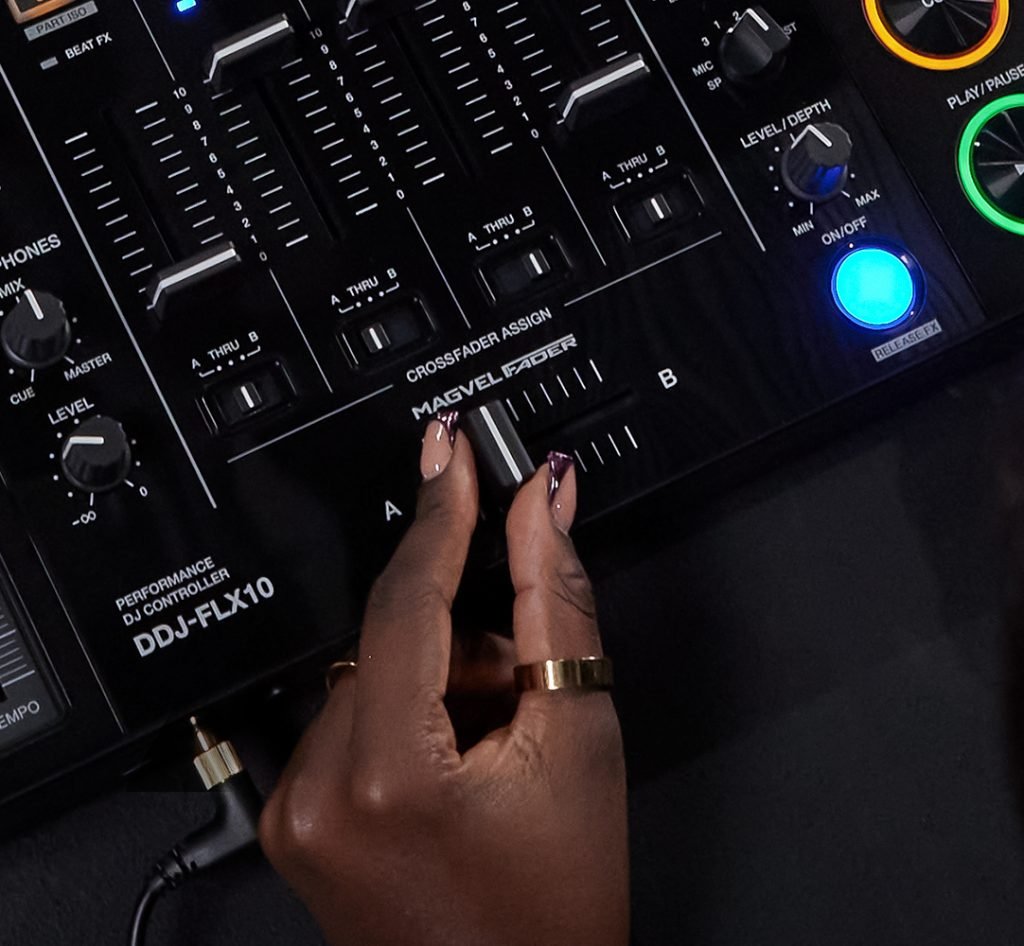
Improved from the 2-sensor system on the DDJ-1000, the MAGVEL FADER on the DDJ-FLX10 uses a 4-sensor system. This allows you to make the tiniest volume adjustments, no matter how small the movement of the crossfader, enabling more musical performances.
Â
Compatible DJ Software |
|
|---|---|
DVS Control |
|
Software System Requirements | Visit serato.com for its specifications. |
Accessories |
|
Inputs |
|
|---|---|
Outputs |
|
DMX | 1 XLR connector (3pins) |
USB | 2 USB C ports |